



My mind keeps coming back to this one project that I worked on.
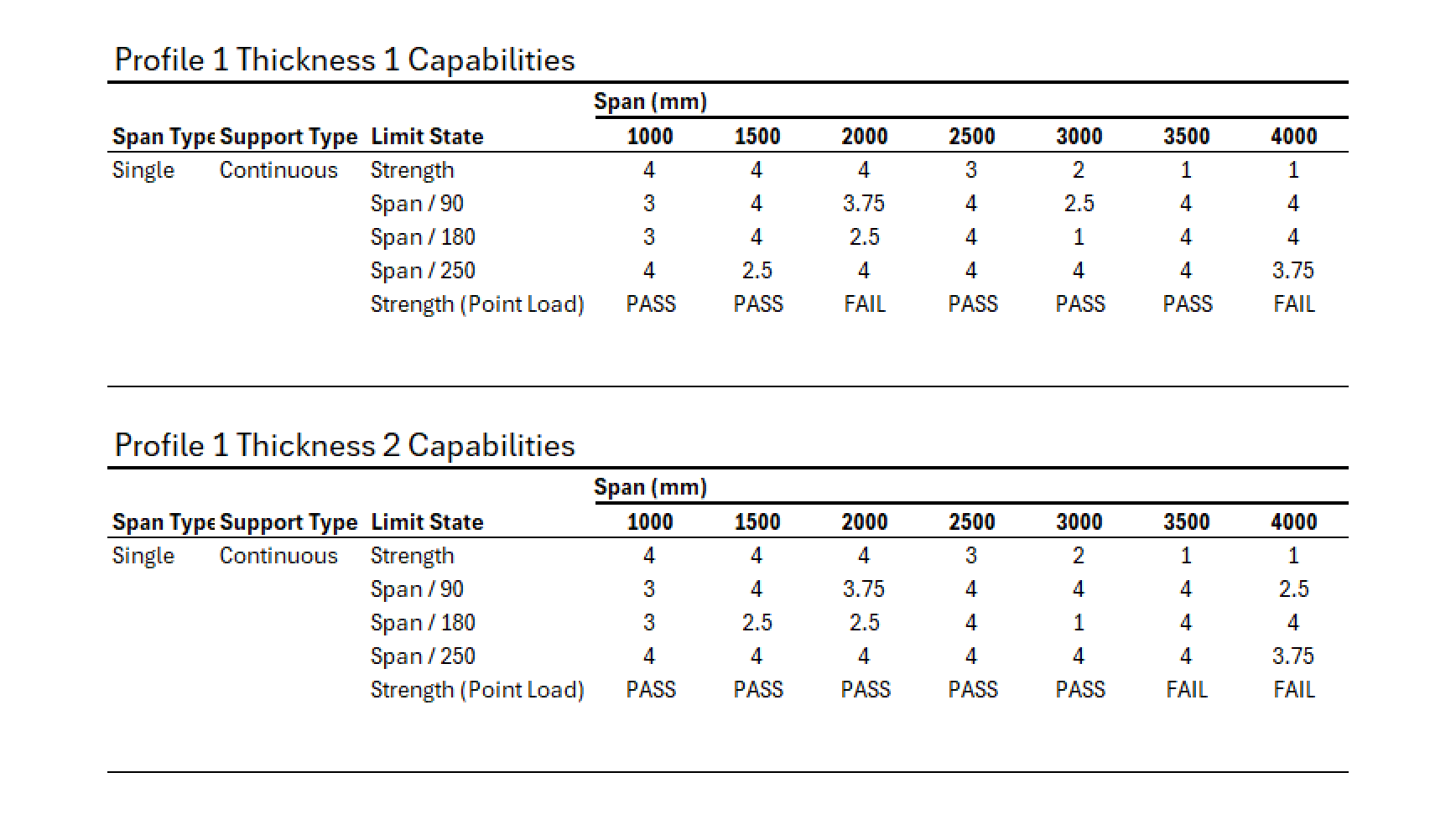
The client wanted to produce a load table for some roofing sheet that they manufacture. It involves analyzing 11 wave-like patterns for 3 types of parameters. Length, thickness and perforation area. So, that meant 8 5 5 * 5 = 1000 models to be created, analyzed and processed to produce the tables. It’s a classic computational problem.
I worked on this with a partner, we’ll call him Josh. And we decided to use Grasshopper because it had to work with many programs for design, analysis, geometry creation and so on. Even though Josh and I were partners, he mostly developed the script while I supported him whenever he had questions or needed help.
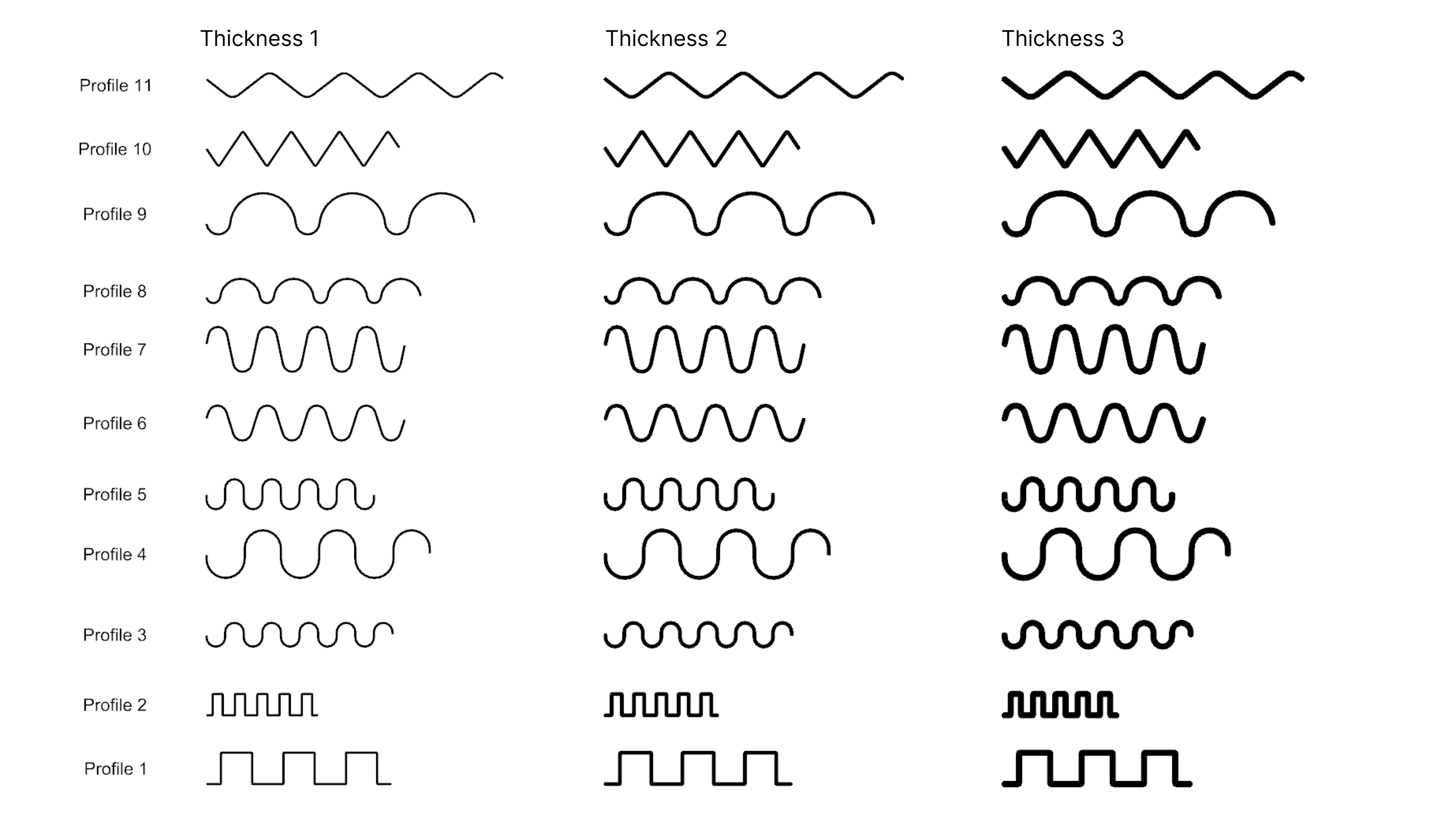
A few weeks later, we wrapped up the project. The clients were happy with the tables. And Josh went away on a well-deserved break.
But, of course as faith would have it. While he was away, the client came back to us requesting more changes. So, I took up the mantle of putting in those changes.
The change was to analyze one more new profile and a new parameter. I looked into how long it took us before, estimated the effort it would take and then sent in a variation in the initial scope.
Once they approved, I started work.
When I opened Josh’s script, what I found was a beautifully organized script, which was to be expected. After all, Josh really knew his stuff and you could see it in his work.
But what he didn’t account for, was this change. He had a script for each parameter, so that meant three different scripts. Now that I have to add a profile and a new parameter, it means I have to modify all his scripts and make a fourth one.
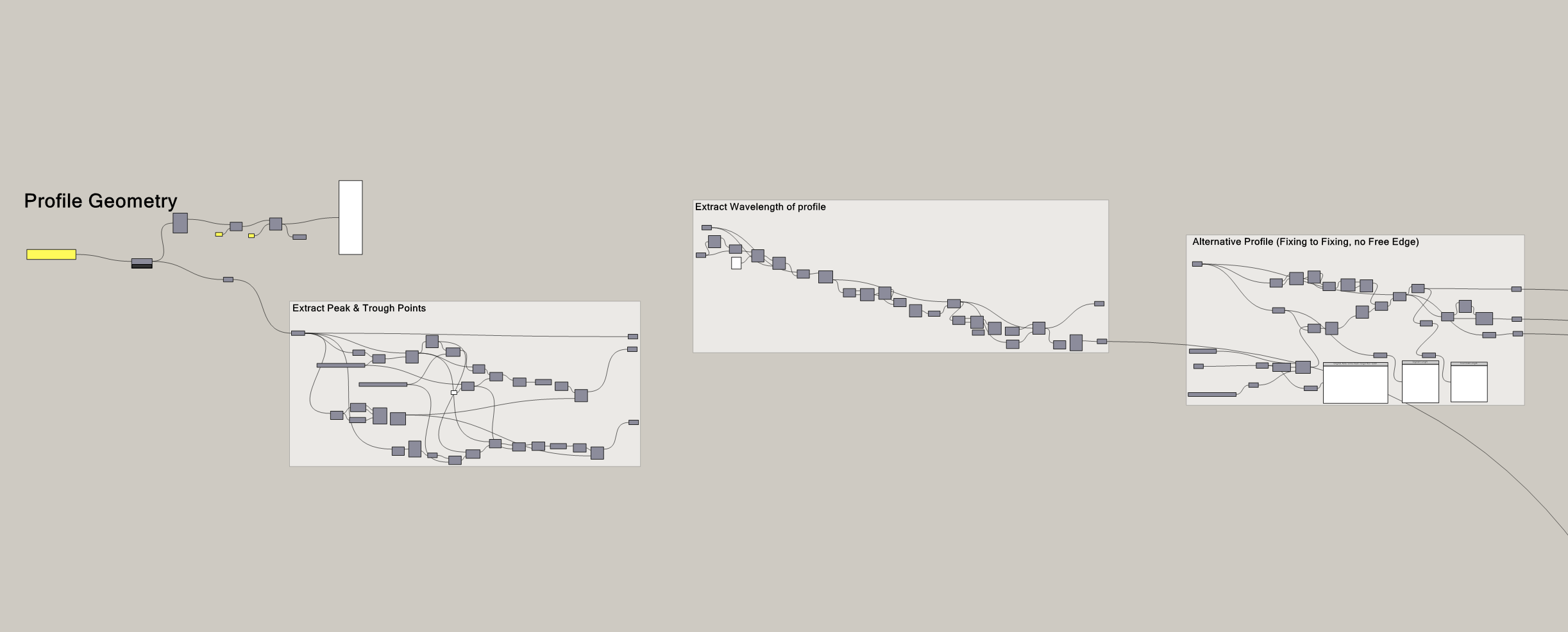
Hard as I try, it took me forever to do that because of the rigidity of Josh’s script. It just wasn’t able to accomodate the new change. It was like having a really efficient and powerful bicycle but you had to go from Japan to Korea. It didn’t matter how good the bicycle was, what you needed was a plane.
Josh’s implementation was great but it was the wrong design.
I thought I would be able to get it back to the client within the week, but it actually bled to two weeks.
Hi, I’m Braden
I write about the craft of computational design, from working with geometry and data to the experience of building tools for other people.
If you’re new to CodedShapes, welcome! You might enjoy these:
If you’d like help with a workflow of your own, let’s work on it together.
The dangerous part about every script is that the more you commit to a design, the more it cements the process. The more Josh worked on the script, the more he added onto the wrong design, the harder it was to change.
I’m not saying you should design for every possible change. That’d be horrible but there’s a point here to stepping back, thinking about how you will approach the problem before even starting. If Josh had account for some uncertainty in his scrips in the beginning, this wold be a different story.
it’s incredibly easy to just jump in and start solving. You see the problem, you have the skills and the tools to get there. So, you just start. But once you do. Once you commit, it becomes much harder to pivot.
So, before you start coding or scripting, it pays dividends to just pause for a bit and evaluate how you’re going to solve the problem before you start and figure out if you have the best approach.
As the old adage goes “measure twice, cut once”.
Okay, to help with that, here are some points I keep in mind while making a solution.
Understand the problem as deep as you can
This is something I have hammered on time and time again. It might even be annoying at this point but I repeat it because it’s important.
There are many times where I have seen projects or solutions fail because the problem wasn’t understood properly. It’s easy to code or script something up but mapping out the entire problem is much harder and less tangible than implementing something.
It feels more productive to write a script than to talk to people about the solution. But you have to keep doing the work to try and understand the problem the best that you can.
The point here is that you have to understand what you’re solving and how before committing to a solution. Often times, if you have many directions you can take, understanding the problem more should eliminate some and make the ones you have left more obvious.
I do this through a discovery phase, which you can read more about here :
This Is What Working With a Computational Designer Should Look Like
How to Know If Your Workflow Is Actually Worth Automating
Prototype a lot at the start
As you’re trying to understand the problem, create prototypes. Create ones that represent the design that you’re thinking off. I know I just said don’t start implementing, but prototypes are things that you throwaway. That means they usually don’t end up as part of your main solution.
You’re making things to better understand the problem you’re solving. This might mean making a few small programs or scripts that represents a simpler version of the solution. The good thing about prototypes is that you now have something to show people. You can get their thoughts, their feedback, you can even show your clients too.That way, people can poke holes at it, they can tell you if it actually solves the problem.
Sometimes people don’t know what they want until they see something tangible. The idea of AI has been around forever but it took chatbots to really help us see the usefulness of it.
Another good thing about prototypes, is that they allow you to fail fast with little to no risk. They help orient you towards the ideal solution.
The goal is still to understand the problem as much as you can and by building prototypes, you’re increasing the clarity that you have around the problem
Take constant notes
Okay, say you’ve committed. You found the best solution and now you’re implementing it.
While you’re doing so, take constant notes to help keep track of your thoughts and decisions. It doesn’t have to be comprehensive, but just something that tells the story.
Personally, I use a combination of Obsidian and Figma. I start a new file and just put all my screenshots and thoughts in it. I treat it as a visual notebook specifically logging my thoughts/ideas on that solution. I wrote more about my system here.
You don’t have to use Figma or Obsidian. You can use OneNote or PowerPoint. The idea is to have a place where you can just take notes. These notes become your log of the solution. They become the context you can use to figure out how things are going or dissect if things go wrong.
For me, the act of writing notes helps me better think through a problem.
Plan for uncertainty
The part of projects that I hate the most is how fast things can change but that’s just the nature of things.
Rather than reject it or hope that things don’t change. We have to plan for it. I mean James Clear put it best when he said
The ultimate form of preparation is not planning for a specific scenario, it’s having a mindset that can handle uncertainty
~James Clear, Atomic Habits
Things will change.
No matter how good your discovery phase is, there will be surprises that you have to account for. So, plan for some uncertainty.
With Josh, the script was amazing if nothing changed. But things always do.
It’s actually why in software development. There is something called the “single responsibility principle”. The idea is that if we can make our functions responsible for only a single thing, they become more modular. You can start moving them around like digital lego pieces.
We should try to approach our scripts with the same mindset.
It means making small isolated containers of logic that work together. So that when things chance, they become easy to rearrange.
With Josh’s script, if he separated building the profiles from the varying parameters, it would have been easy to adapt the client’s new changes. If he kept a part of this script responsible for profiles and then another responsible for parameters, changing or adding to them would have been easier.
Final Thoughts
Alright. Looking back, the lesson here isn’t complicated. It’s basically Think about how you’ll solve the problem before you start solving it.
And the reason is because how you solve the problem plays a huge role. It’s measure twice, cut once. It’s pausing, planning before you solve. It’s trying to be more intentional with the way we do things rather than being reactive to our surroundings.
Because the design you pick in the first hour can define the next hundred hours. And if that design doesn’t account for the reality that projects evolve, you’re setting yourself up for exactly what I went through with Josh’s script. A solution that technically works but is a glass canon when you have new changes.
So, map out the problem. Prototype and try different approaches. Try to predict what may change and have your solution account for it. Then, when you’re confident, start building.
The few hours you spend thinking through your approach may just save you weeks of rework later.
Thanks for reading. If you’d like more articles like this, subscribe to CodedShapes to get them delivered to your inbox
Work with me: https://codedconstructs.com/contact/
Computational Design Courses: https://learn.codedshapes.com/
Scripository (A library of computational scripts): https://scripository.com/