



I’m looking at a folder with four Rhino files and six Grasshopper files. I have “ProcessStructuralGrid.gh” open but which Rhino file does it need? Was it ProjectA_Grid.3dm or ProjectA_Structure_v3.3dm?
I too like to gamble.
So, I chose ProjectA_Structure_v3.3dm.
Well
I chose.......
poorly.
It’s a sea of red components. And if you’ve worked with Grasshopper before, you’ll know that no one ever remembers which Rhino file was used.
The Counterintuitive Part
Most software we use follows a simple rule, one program equals one file. Open Word, you get a .docx. Open Revit, you get a .rvt. The file is the project. Or if it isn’t, a program like Revit at least gives you “links” that tell you what other files are associated to the main file.
But Rhino and Grasshopper don’t work that way. Neither does Revit and Dynamo. You’ll have at least two file types to manage for a single workflow. With RhinoInside.Revit, you’ll have at least three. One Revit. One Rhino and one Grasshopper file for a single project. They’re separate things, but they need each other.
And that’s just one Rhino file, wait until you work with Rhino worksessions.
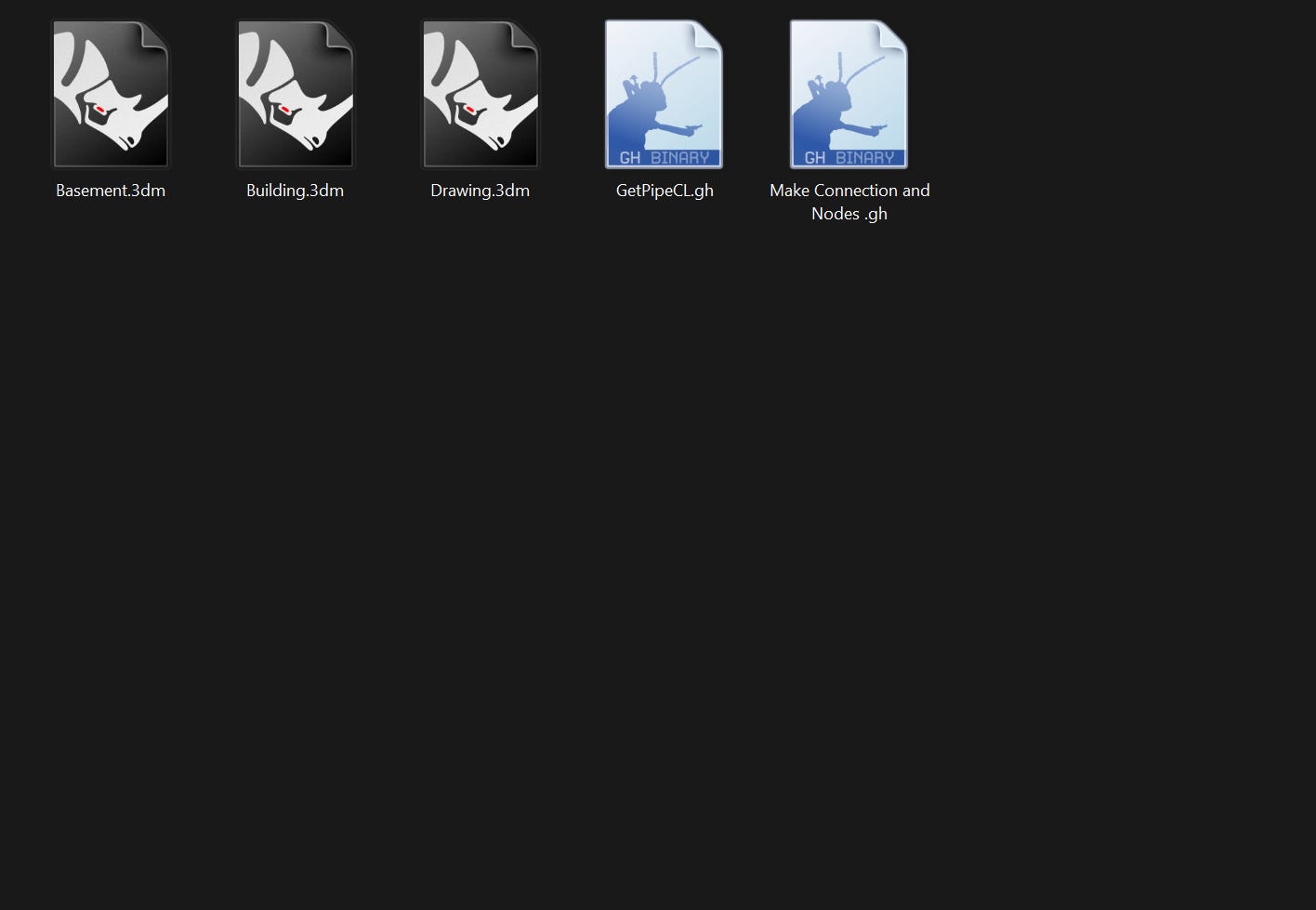
None of this sounds like a big deal because when we are working on the workflow, we intuitively remember all the files we are working with. But give yourself three months and I promise that you’ll forget. (or maybe that’s just me)
Also, what happens if someone has to open your script ? How will they know which Rhino file it uses. Well, I guess they just have to play Rhino roulette and hope they get lucky.
The Solution
So, I made a free plugin called Recall Rhino. It’s very simple, it basically saves the path to the Rhino file / worksession you had open into your Grasshopper file.
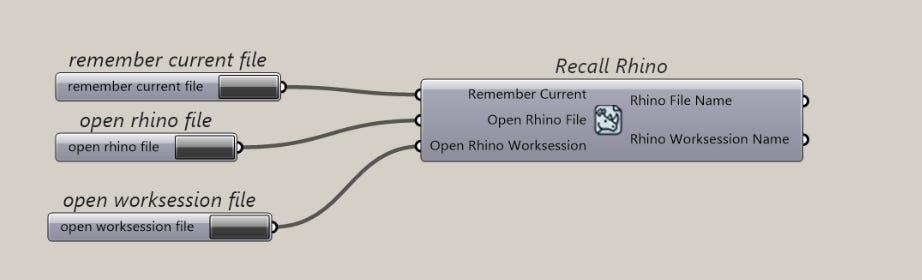
It means, you have one button to save the file and one button to re-open the file.
I’m pretty sure I am not the first to make this but I made the plugin with only this component. It means you won’t get a whole toolbar of other stuff.
That’s it. No more guessing which Rhino file belongs to which Grasshopper file.
I thought of making one that remembers the Revit file too. But we always open the Revit file first before the Grasshopper file. So I’m still thinking of a way to solve that problem.
Final thoughts
This isn’t some next level hack but it does solve a very annoying pain that I have. And I hope it will save you the same pain too.
And if you’re working in a team, or if you’re building definitions that other people need to use, this small component is quite valuable.
Thanks for reading
Consider being a paid member to get access to my Grasshopper courses, guides and scripts.