


If you’ve used Grasshopper for anything remotely complex, you’ll know how annoying it is when you open the script and forgot to lock your canvas.
Even worse is if you’ve forgotten a stream of components that take a lot of time to run and you accidentally “resolve” the canvas.
Obviously, I’m speaking from experience here.
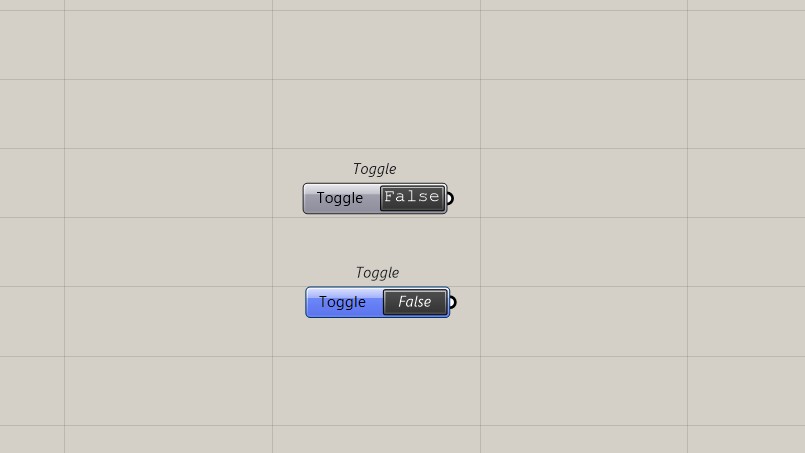
A small but vital component is the False Start Toggle.
It looks like an ordinary Toggle but defaults to False all the time. That means when you restart your script, the value of the toggle will be False.
Subscribe to CodedShapes and I’ll send you my free guide on how to actually apply it to your projects.
Now, why?
Well, like a data dam, that means you can actually choose when to run things in Grasshopper instead of having it run all the time.
The biggest difference between the false start toggle and a data dam, is that I don’t have to click on it every time. I just have to do it when I restart my script.
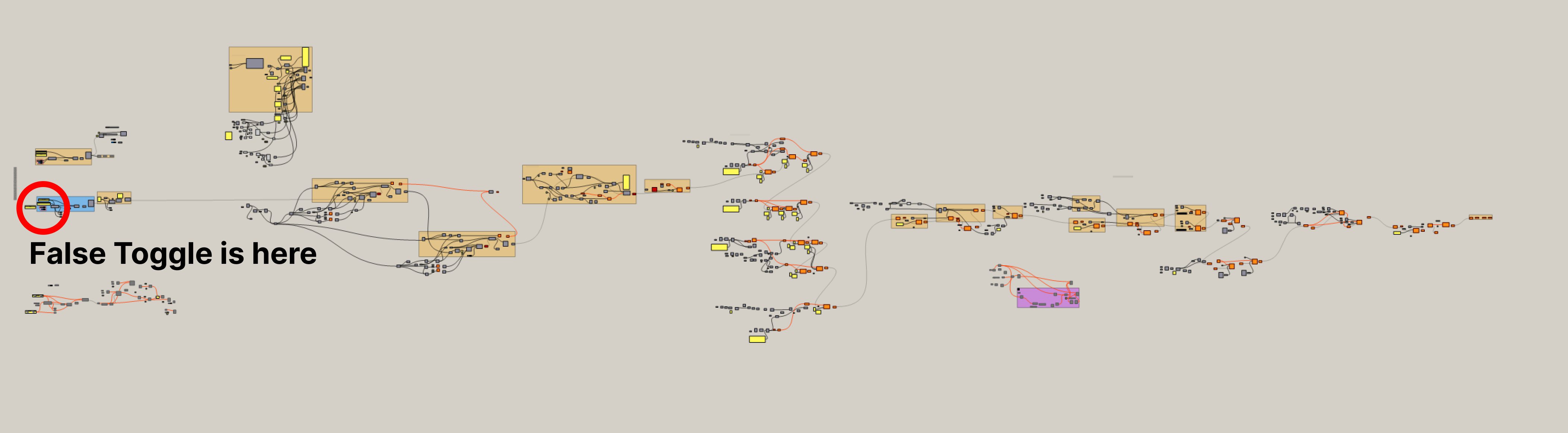
Where to find this ?
Like most things, it’s a plugin and it’s actually part of the entire suite of components in LadyBug.
Which yes, I know it’s annoying to install the entire suite of tools just to get the False Start Toggle. So, I’ve actually separated it out for you.
I’ve attached the standalone component file below. You can drop it directly into your Grasshopper libraries folder without installing anything else.
→ Get the False Start Toggle here
I hope that helps.
If you’re thinking about bringing computational design into a project, I’m happy to talk through how you’re framing the problem and if it’s the right solution.
Thanks for reading.