



If you’ve ever had to pull data together from more than one source in Grasshopper, you know it’s rarely as clean as it should be. A prime example of this is when you’re working with structural analysis models. Because most programs store their geometry and results separately. And it always means you have to do some form of list matching to get them to line up.
A few weeks ago, I had a list of nodes from a model that I needed results for. Like most structural analysis programs, ETABS hands you one list of nodes and a separate list of results, expecting you to use the node IDs to cross-check between them.
So how do you join two lists by an ID in Grasshopper?
If you’re comfortable with code, there are many ways to do this. You can use a dictionary in C# or Pandas in Python. Even in Excel, Vlookup by the ID of one list will help you line up the two different lists.
And, well, you can actually do the same in Grasshopper. The component you’re after is called Key Value Search. It works very similarly to a dictionary in C#.
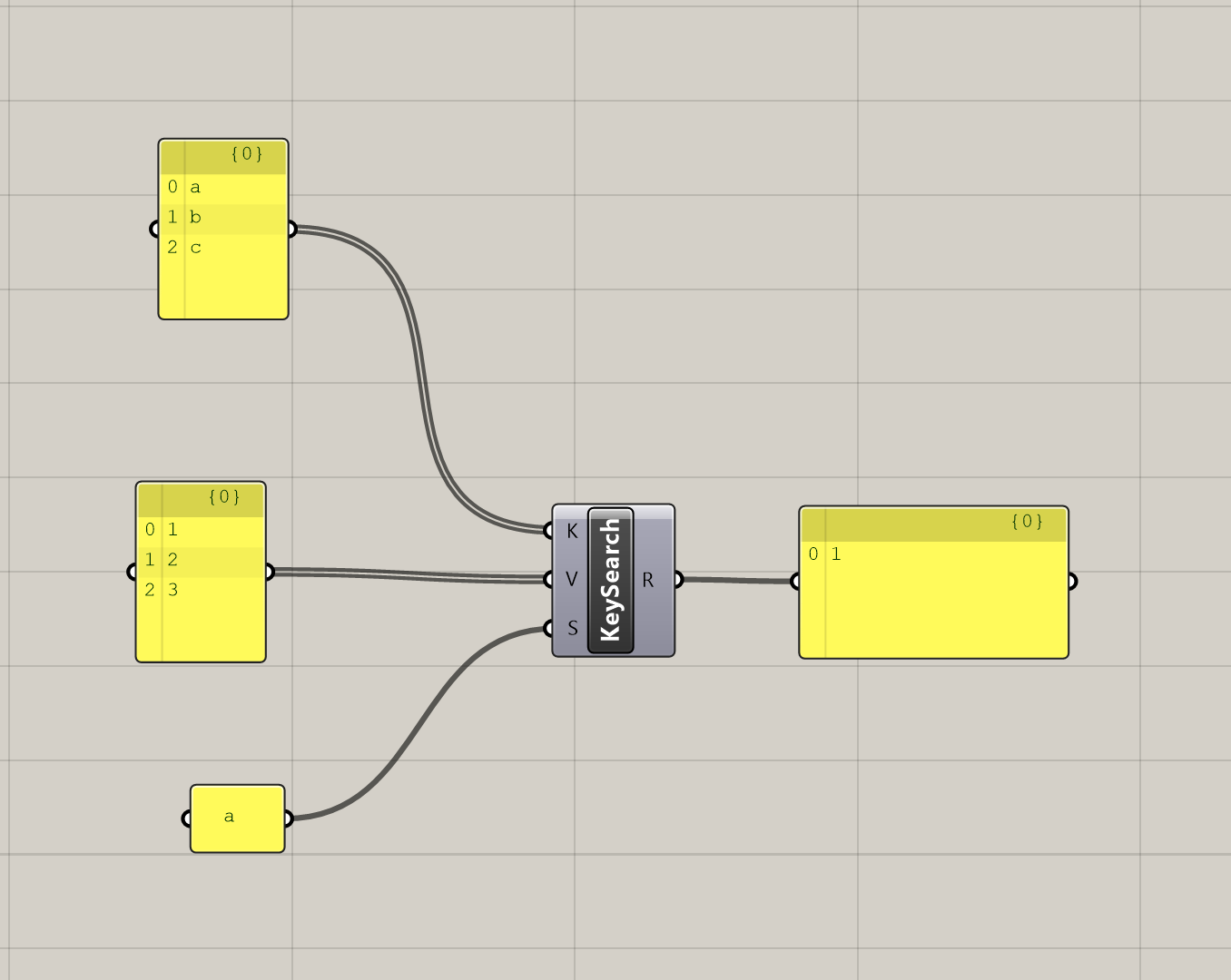
And the best part is that you can pass in anything, not just numbers. Geometry, custom data, whatever you have. So, instead of using a script component or doing Vlookups in Excel before Grasshopper, this component let’s you keep everything in a script.
Okay, if you’re a paid member of CodedShapes, you get to see how I use this component in action as well as a sample script at the bottom.
